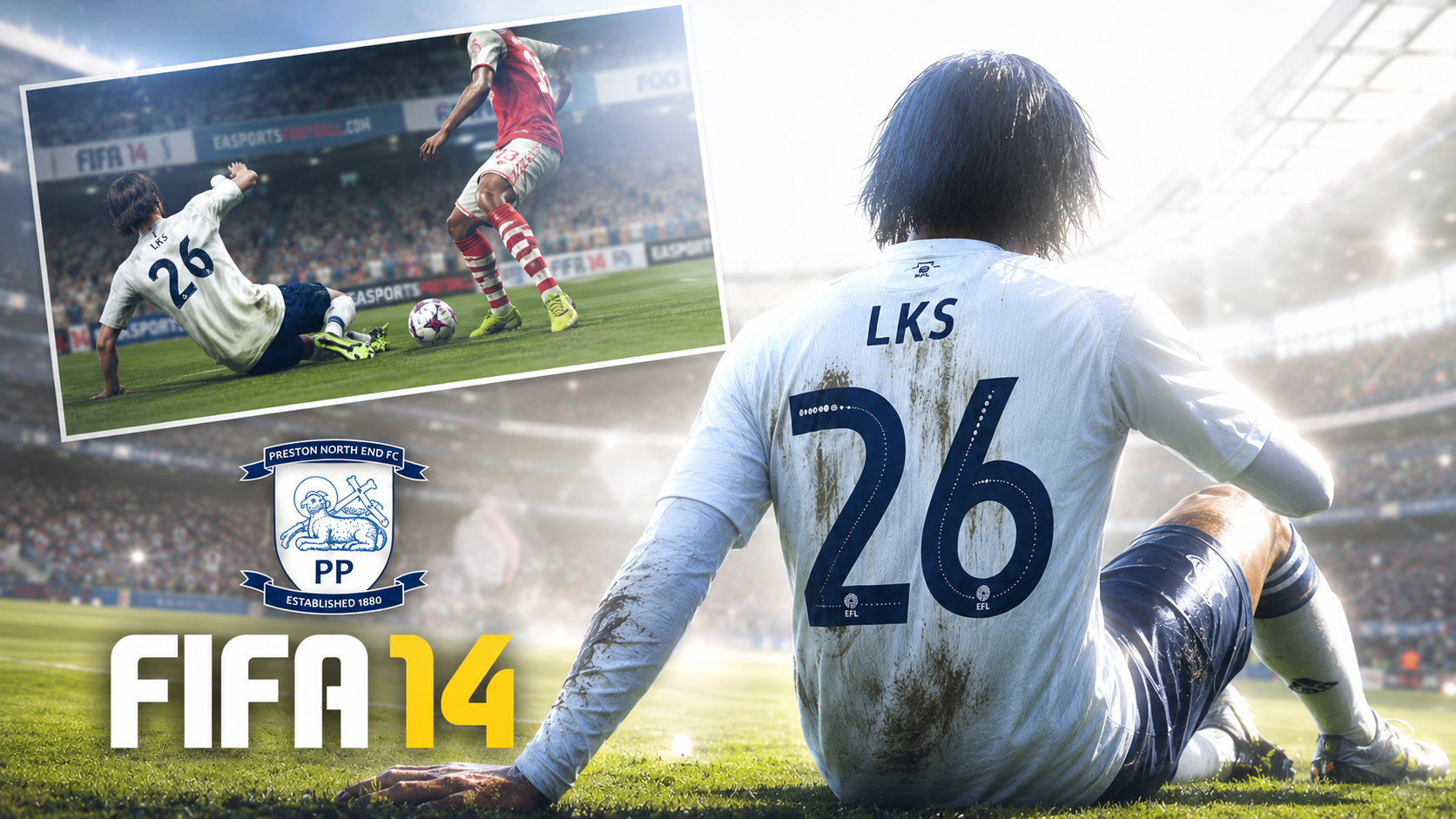
FIFA 16 Comes Back for Android 15+
This FIFA 16 mod has been repackaged and tested to run properly on Android 15 and newer devices, fixing the crashes and compatibility issues older builds had on recent phones.
It keeps the classic FIFA 16 gameplay feel while running smoothly on current hardware, with HD-quality textures and stadium visuals.
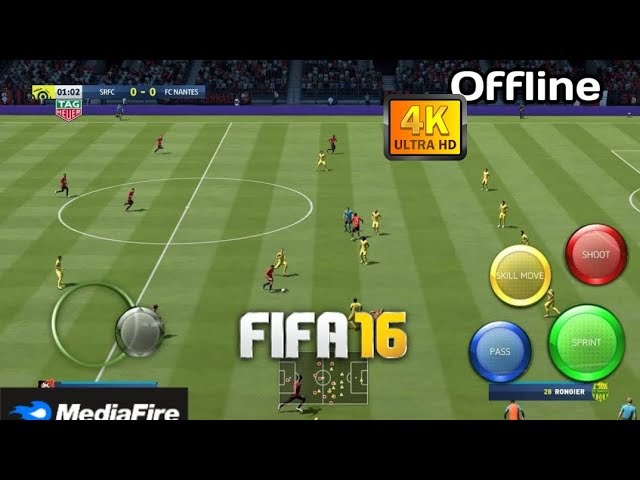
What's Included
The package comes in two parts — the main APK installer and a separate OBB data file. Both are required for the game to run.
Key Features
- Optimized for Android 15+ compatibility
- HD graphics and stadium detail
- Smooth offline gameplay — no internet required after install
- Classic FIFA 16 game modes
Install the APK first, then place the OBB file in the correct folder before launching the game — see the install steps below.
Advertisement
Installation Guide
Follow these steps in order to get FIFA 16 running correctly on your device:
- Download the APK file using the button below.
- Download the OBB file (it's a compressed .7z archive — extract it first).
- Install the APK, but don't open it yet.
- Move the extracted OBB folder to
Android/obb/on your device storage. - Launch the game from your app drawer.
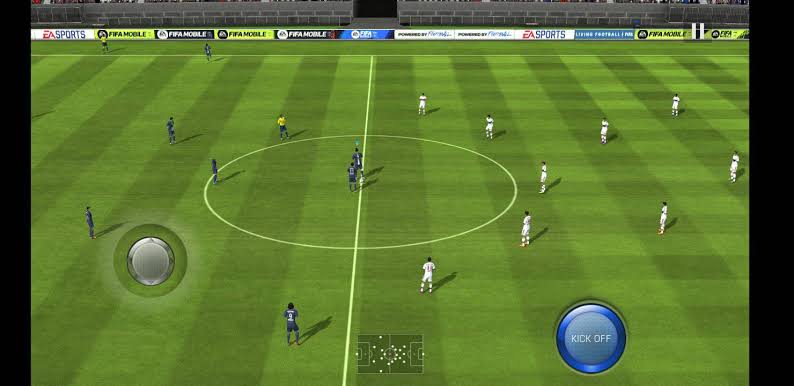
Download
Grab both files below — the APK installs the app itself, and the OBB contains the game data it needs to run.